This task can be performed using SearchSavior
Prevents the mistakes that silently kill your best Ad campaigns
Best product for this task

SearchSavior
ads
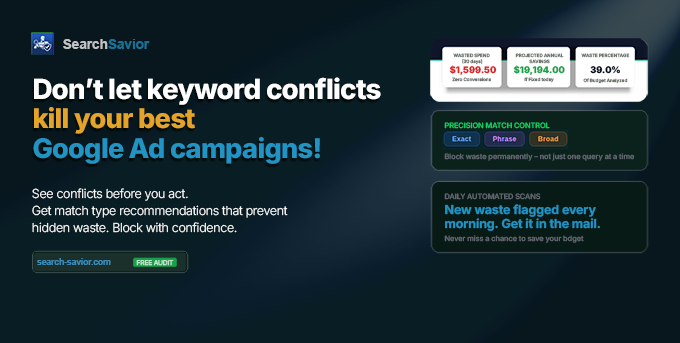
SearchSavior warns you before a negative keyword blocks one of your best-performing queries. It runs a conflict check the moment you act, then recommends the match type that blocks the waste without collateral damage. It also estimates the spend Google won't show you. The safety net for PPC pros who use broader negatives. Free 7-day Pro trial, no card. Or test first: upload a 30-day search terms CSV for a free audit, full report in minutes.
Google AdsPPCNegative KeywordsAd OptimizationBudget ProtectionPPC AutomationGoogle Ads ToolSearch AdsAd SpendCampaign Management
What to expect from an ideal product
- SearchSavior checks your negative keywords against your top-performing search terms before you add them, catching conflicts that would hurt your best campaigns
- The tool shows you which match types to use for each negative keyword so you don't accidentally block valuable traffic while filtering out the bad stuff
- You get warnings the moment you're about to add a negative keyword that conflicts with queries already driving conversions or revenue
- SearchSavior reveals hidden waste from negative keywords that already blocked good traffic, giving you data Google doesn't show in their reports
- The system suggests safer negative keyword alternatives that still block unwanted searches but won't interfere with your money-making queries